
The best dating profile photos in Australia show your face clearly, reflect your current appearance and give a rounded view of everyday life. Start with a recent, well-lit solo portrait where you are easy to recognise on a phone screen. Follow it with a full-length image and a few photos that show interests or social context. Skip any image that leaves a match guessing which person you are or reveals details about where you live and work.
Make Your First Photo Clear, Current and Easy to Recognise
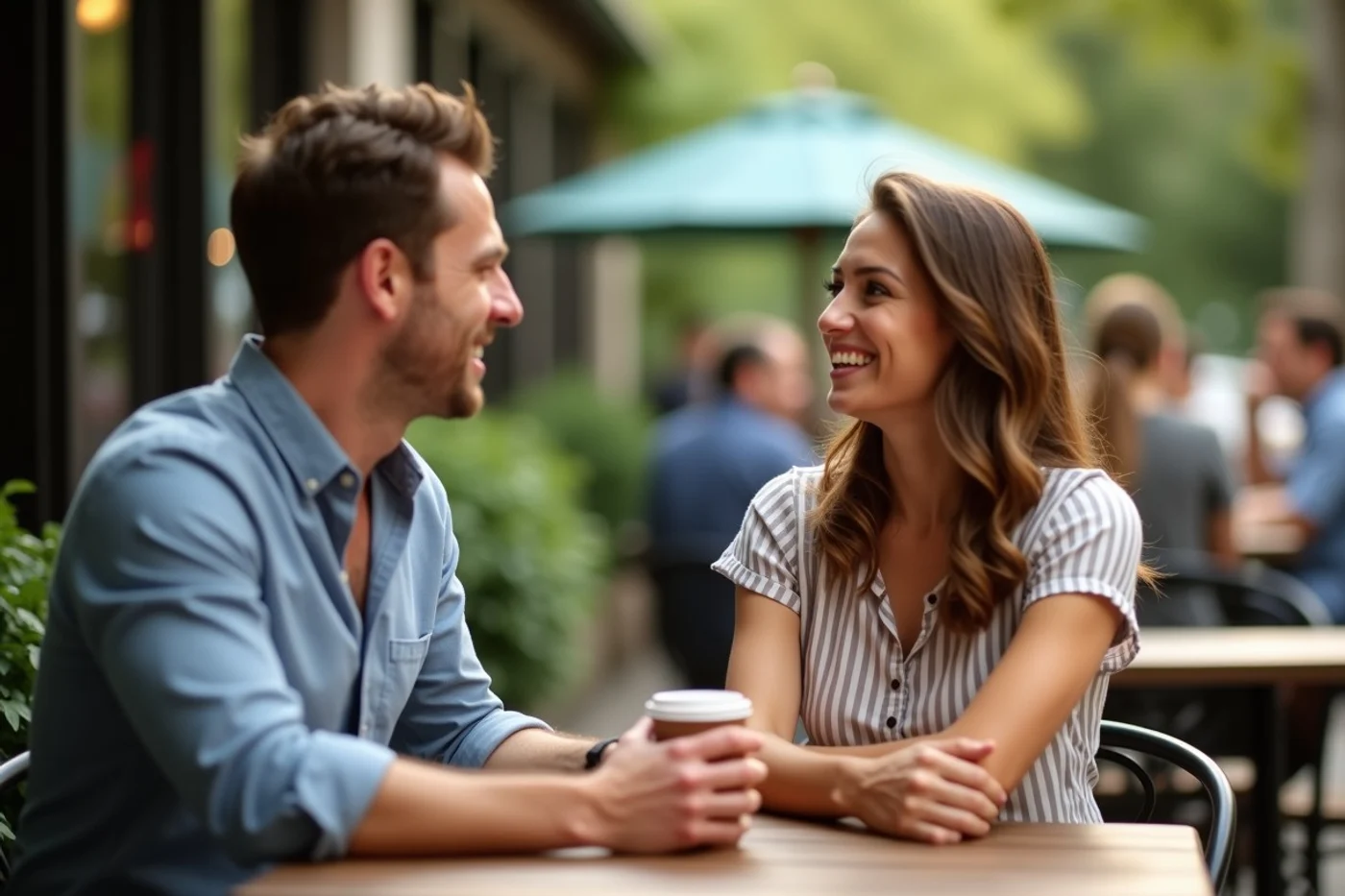
| Label | Description |
|---|---|
| Use this | A recent, well-lit photo of you alone, with your face visible and a relaxed expression. Frame it from about chest height upward so your features remain recognisable on a phone screen. |
| Why it works | People can quickly confirm who the profile belongs to and get an honest first impression of your current appearance. |
| Skip this | A shadowy selfie, a photo taken from far across a room, or an image where a hat, mask, sunglasses, or dramatic angle obscures your face. |
| Check before uploading | Choose a photo that reflects how you would look on an ordinary first meeting now. Daylight near a window or outdoor shade usually shows skin tone and features without harsh glare. |
Build a Photo Sequence That Shows More Than One Side of You
- Start with your strongest solo portrait, then follow it with a full-length photo in an ordinary setting. Together, these give a coherent first impression without asking someone to guess what you look like.
- Add one image from a familiar part of your life: reading at home, cooking a meal, walking a trail, playing social sport, or visiting a gallery. Choose an activity you would genuinely be happy to discuss.
- Include a social photo only when you are immediately identifiable and it adds context, such as a birthday lunch or team event. Keep it to one image so friends do not become the profile’s subject.
- Finish with a photo that changes the setting or mood, such as a relaxed weekend moment or a dressed-up occasion. Skip near-duplicates from the same shoot, trip, outfit, or angle; each image should reveal a different part of your week.
Use Framing and Light That Work on a Phone Screen
- Check sharpness at the size it will appear in an app. Your eyes, hairline and clothing edges should remain defined; a blurred image can look accidental or outdated on a small screen.
- Keep your face evenly lit. Window light or open shade usually shows features well, while strong backlight, deep shadows and overhead lighting can obscure your expression.
- Choose a simple background that does not compete for attention. A busy café wall, cluttered room or bright sign can pull the eye away from you and leave the image feeling crowded.
- Crop with breathing room around your head and shoulders. Avoid cuts across the chin, forehead, hands or joints, and check that the app’s preview has not trimmed your face.
- Use enough contrast for your face to stand out from the setting. A dark jacket against a dark wall, for example, can flatten the image even when the photo is technically sharp.
- Leave heavy filters, face-smoothing and extreme colour changes off the final set. Minor adjustments to brightness or a straight horizon are fine when they preserve how you look in everyday life.
Show Interests Through Real Context Rather Than Staged Props
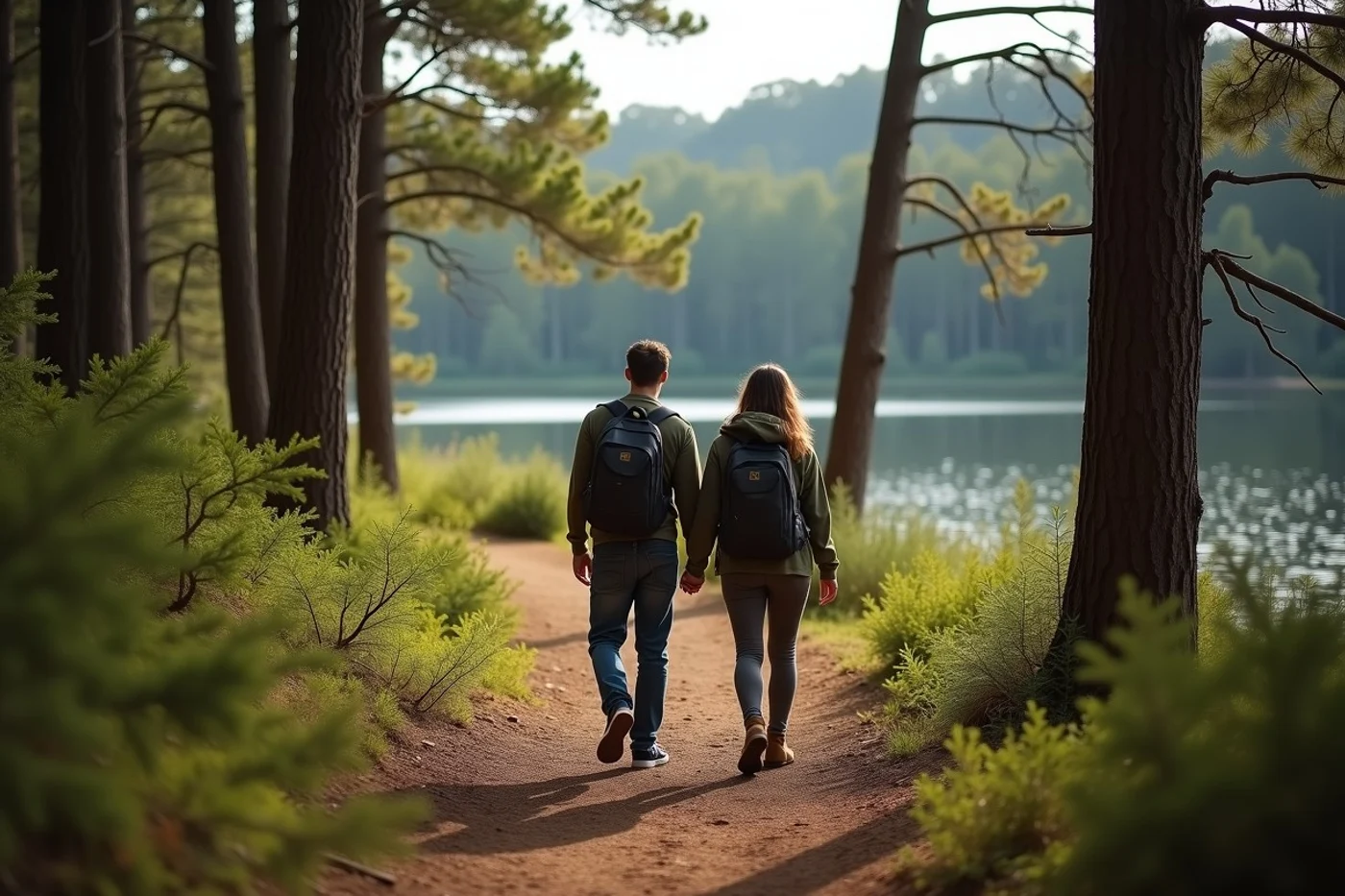
An interest photo earns its place when it gives someone a glimpse of your ordinary life and still keeps you central to the frame. It can offer an easy opening for a later conversation without trying to prove a personality trait.
A photo chopping vegetables in your kitchen, holding a racquet after a social game, browsing an exhibition, walking on a bush track, or beside a packed bag on a trip can each say something specific. Choose an image where your face and body remain visible, and where the activity is genuinely part of your life.
One well-chosen context shot is enough. Props such as borrowed sporting gear, a posed book stack or an elaborate travel backdrop can feel disconnected when they do not reflect how you spend your time.
Remove Images That Make Your Identity or Appearance Ambiguous
A match should not have to work out which person owns the profile. Keep group shots to one optional image, place it after solo photos, and choose a picture where you are immediately identifiable. Avoid making friends' faces the focus of your profile.
Sunglasses, hats pulled low and distant action shots can conceal the features people expect to recognise when meeting. Save them for an extra photo, not your lead image. Skip images taken many years ago or from a period when your hair, body, facial hair or usual presentation has changed substantially.
Be cautious with highly posed angles that hide most of your face or reshape your proportions. A profile works best when its photos give a consistent impression of the person who will arrive for a date.
Check Every Image for Unnecessary Personal Information
A profile photo can reveal more than your face. Before uploading, scan the full frame for a house number, street sign, vehicle plate, workplace logo, school uniform or children’s details. Crop, blur or choose another image when those details are visible.
Private settings can also disclose routines. Reconsider photos taken outside your home, at a regular exercise spot, or along a route you use often, particularly when landmarks identify the area. An indoor photo may show mail, certificates, family photographs or a view from your window.
Check the image file settings as well. Remove location metadata before sharing where your phone or the dating app allows it, and review what remains visible after the app crops the photo.
Get Focused Feedback Before Publishing the Final Set
Ask one trusted friend who will be candid to view the set as a stranger would. Give them three specific checks: can they identify you immediately, do the images reflect how you look now, and does each photo add a distinct glimpse of your life?
Their feedback can expose a lead image that feels less like you than you thought, or two photos that send the same message. Swap in a new first image and leave the rest unchanged for a short trial, then note the quality of conversations as well as any response.
A quieter result does not measure your attractiveness or worth. Photo selection is simply a way to present yourself accurately enough for compatible people to recognise the person they may meet.
Before publishing, put your strongest solo photo first, remove duplicates and check every background for identifying details such as an address, workplace sign or vehicle plate. Ask one trusted friend whether the set looks current, recognisable and varied; their answer can reveal confusion you no longer notice.